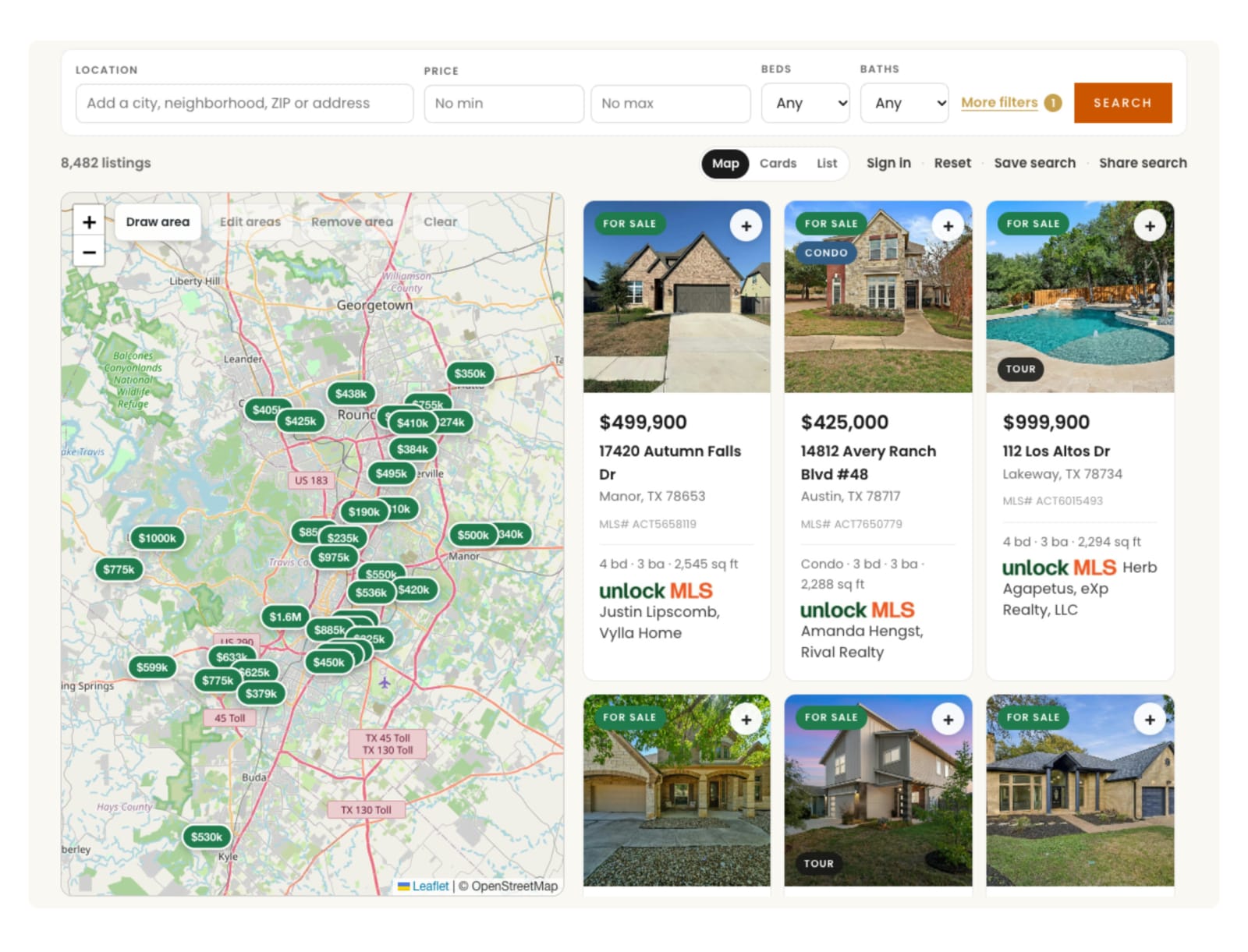
The steps
- Start the IDX widget in the package builder. We run the MLS approval with you across 300+ supported feeds.
- Connect Follow Up Boss. Paste your Follow Up Boss API key into RealSavvy and set the lead source and tags you want.
- Add the widget to a page. In the block editor, add a Custom HTML block and paste the snippet. Elementor uses its HTML widget, Divi a Code module. We often do this part for you during setup.
- Publish, then register on your own search and save a home.
- Open the contact in Follow Up Boss. The registration and the saved home should be there, and the RealSavvy app on the contact shows the buyer's activity.
What Follow Up Boss gets from your WordPress site
Registrations, property views, saved searches, favorites and inquiries, each with source attribution and tags, so your Smart Lists and action plans fire without anyone retyping a lead. Your existing Follow Up Boss routing rules still decide who gets it.
Already using a Follow Up Boss form plugin?
You can keep it for your contact page. A form sends a name and a message. The search sends what the buyer actually did: which homes they opened, saved and asked about.
Keep going: every CRM RealSavvy connects, how the Follow Up Boss integration works, iDX widgets on WordPress, the self-guided demo or price your package.
Updated November 14, 2026.